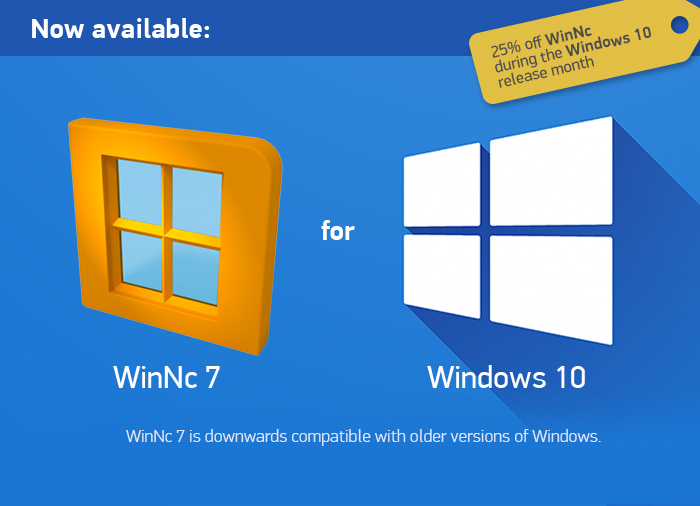
Dunes MultiMedia released a new version of their file manager WinNc (v7.0.0.0) for Windows 10 on their site: winnc.com. Now available with a 25% discount in the month after the release. (Coupon code WINNC7)

 Version 7.0.0.0 | Added on 24-07-2015 | Filesize: 12,0 MB
Major release. Distributed version with latest bugfixes. Download Norton Commander.
Changes in 7.0.0.0 (24-07-2015)
– WinNc is now available for Windows 10
– New interface for Windows 10
– Added color folders in Windows 10 style (only available in Windows 10)
– Bug: View MP3 files crashes WinNc (#528)
– Bug: Font preview in panel options is not updated (#527)
– Bug: Tree view on larger fonts incorrect item distance (#526)
– Feature: Update of Unrar dll (#525)
– Feature: New Flat Icon set
– Bug: Mixup in multiple instances options (#489)
– Bug: Synchronization function doesnt consider strict date compare off feature (#397)
– Bug: WinNc fails on WMF9 library if DLL is not installed (#506)
– Bug: XML editor doesnt allow dtd’s (#422)
– Bug: WinNc search date filter does not work (#415)
– Bug: Relative Move fails (#395)
– Bug: When viewing a set of images and returning the last images is not selected in the panel when exiting the viewer (#362)
– Bug: More than 400 x 7 MB files Thumbs do not display correctly (#357)
– Bug: You click on Cancel run, the deletion window is displayed even after the next start. (#340)